
Authenticator
AI Tech Labs


Screenshots
Description
Welcome to Authenticator
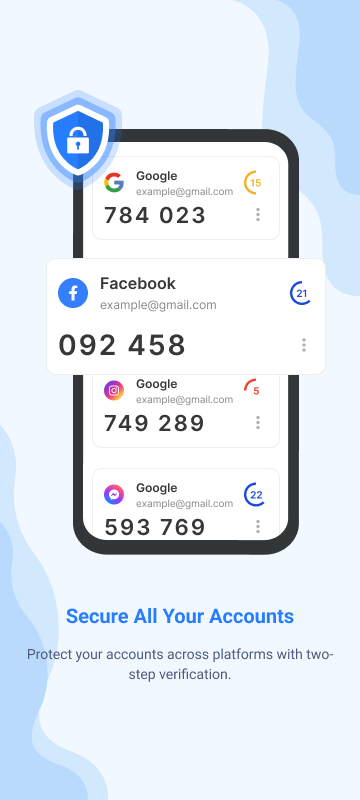
The Authenticator adds an extra layer of security to your online accounts by requiring a second verification step when you log in. This means that, in addition to your password, you will also need to enter a code generated by the Authenticator app on your phone.
The Authenticator app can generate verification codes on your phone, even if you do not have a network or mobile connection.
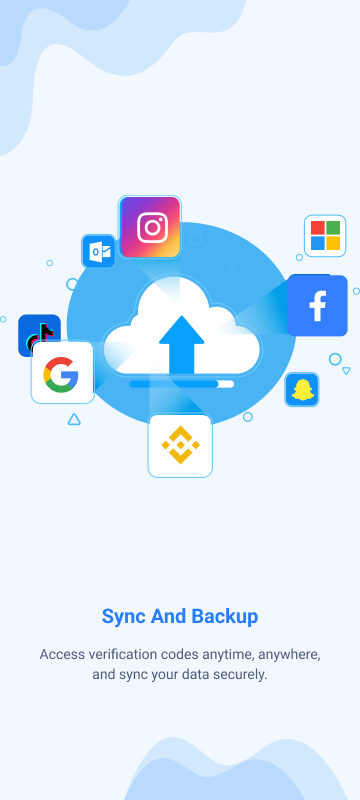
- Synchronize Authenticator codes with your Google Account as well as across your devices. This way, you can always access these codes even if you lose your phone.
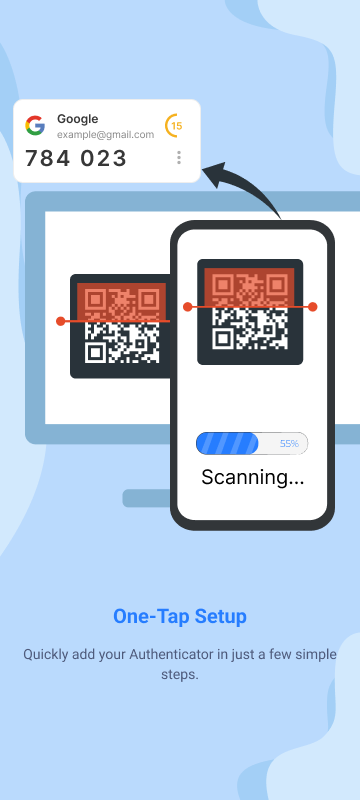
- Automatically set up the Authenticator account using a QR code. This process is quick and easy, ensuring that your codes are set up correctly.
- Support for multiple accounts. You can use the Authenticator app to manage multiple accounts, so you don’t have to switch between apps every time you need to log in.
- Support for generating codes based on counters and time. You can choose the code generation method that best suits your needs.
- Transfer accounts between devices using a QR code. This is a convenient way to move your accounts to a new device.